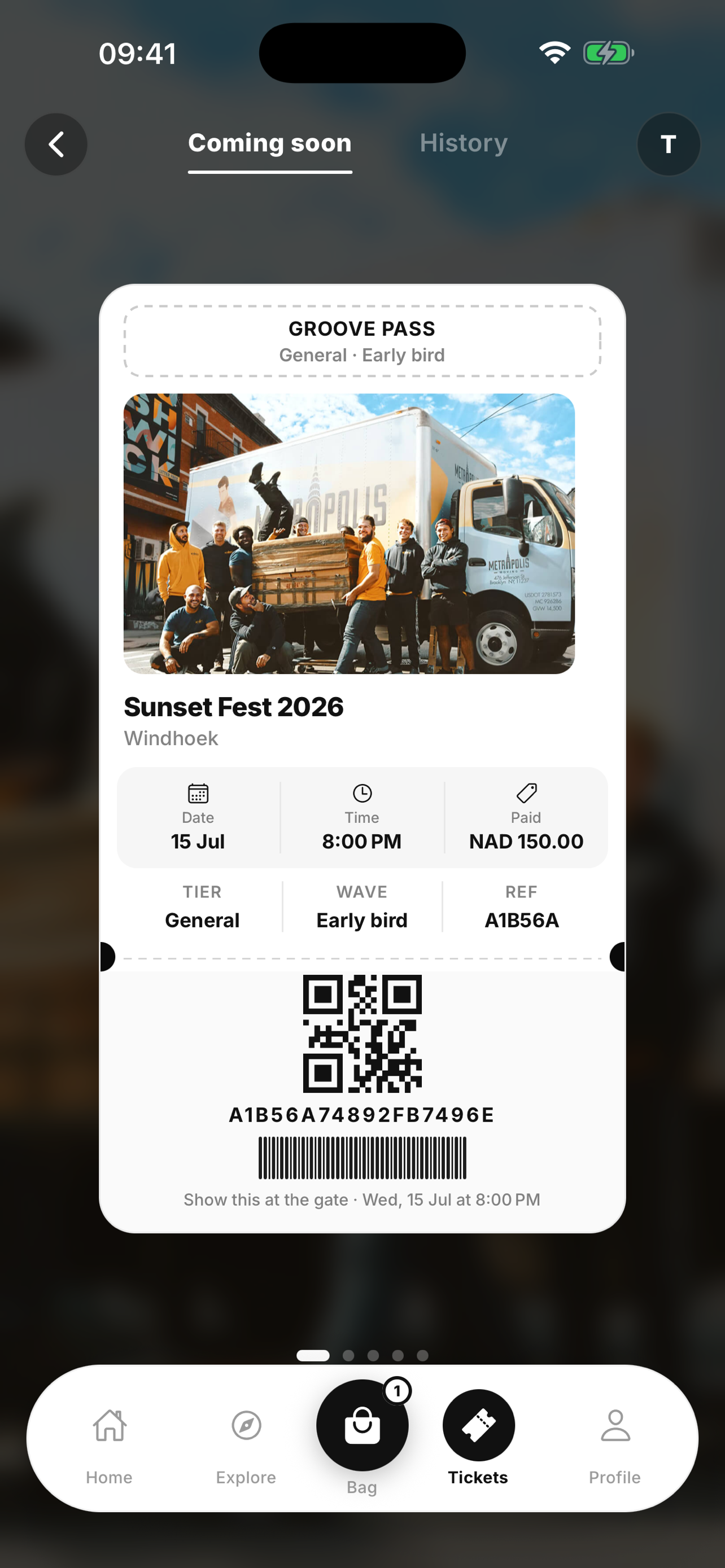
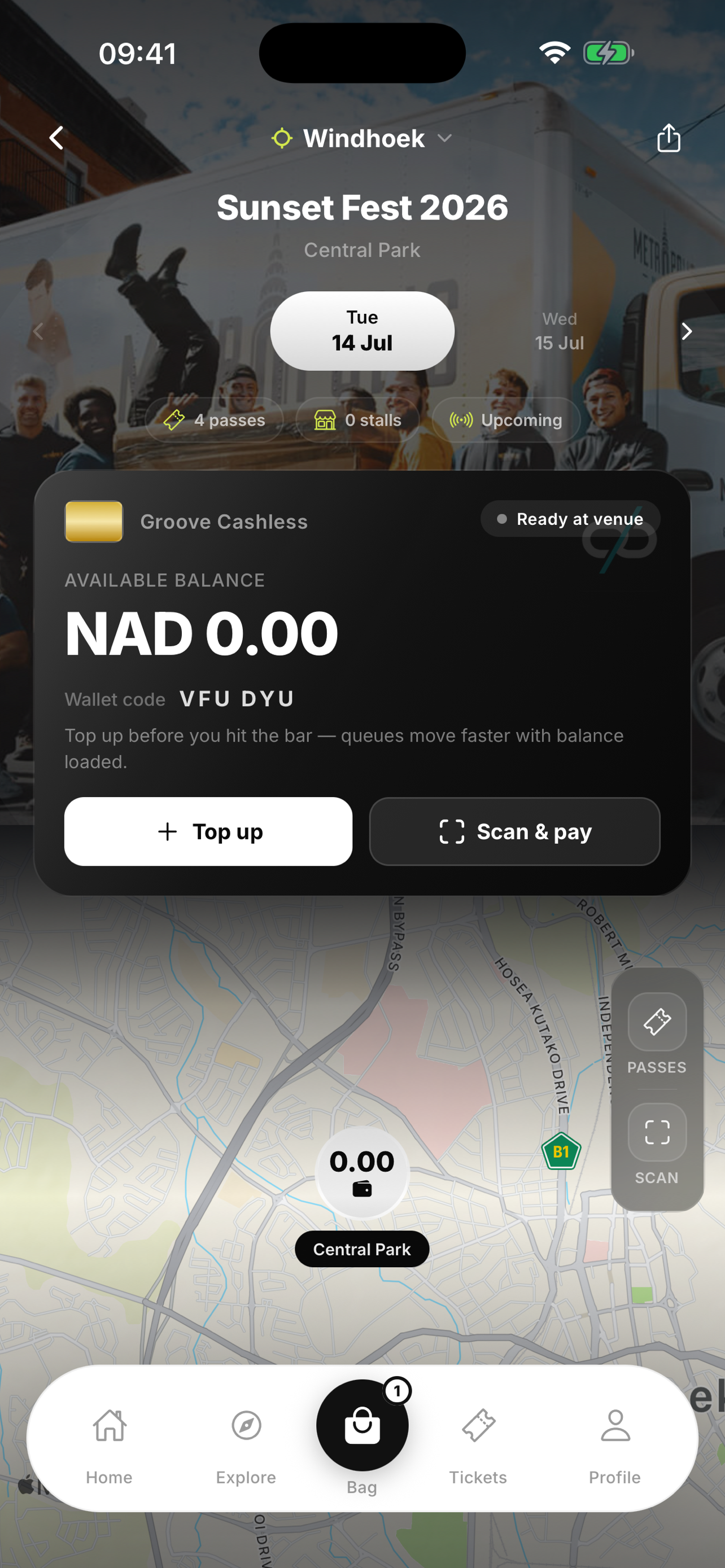
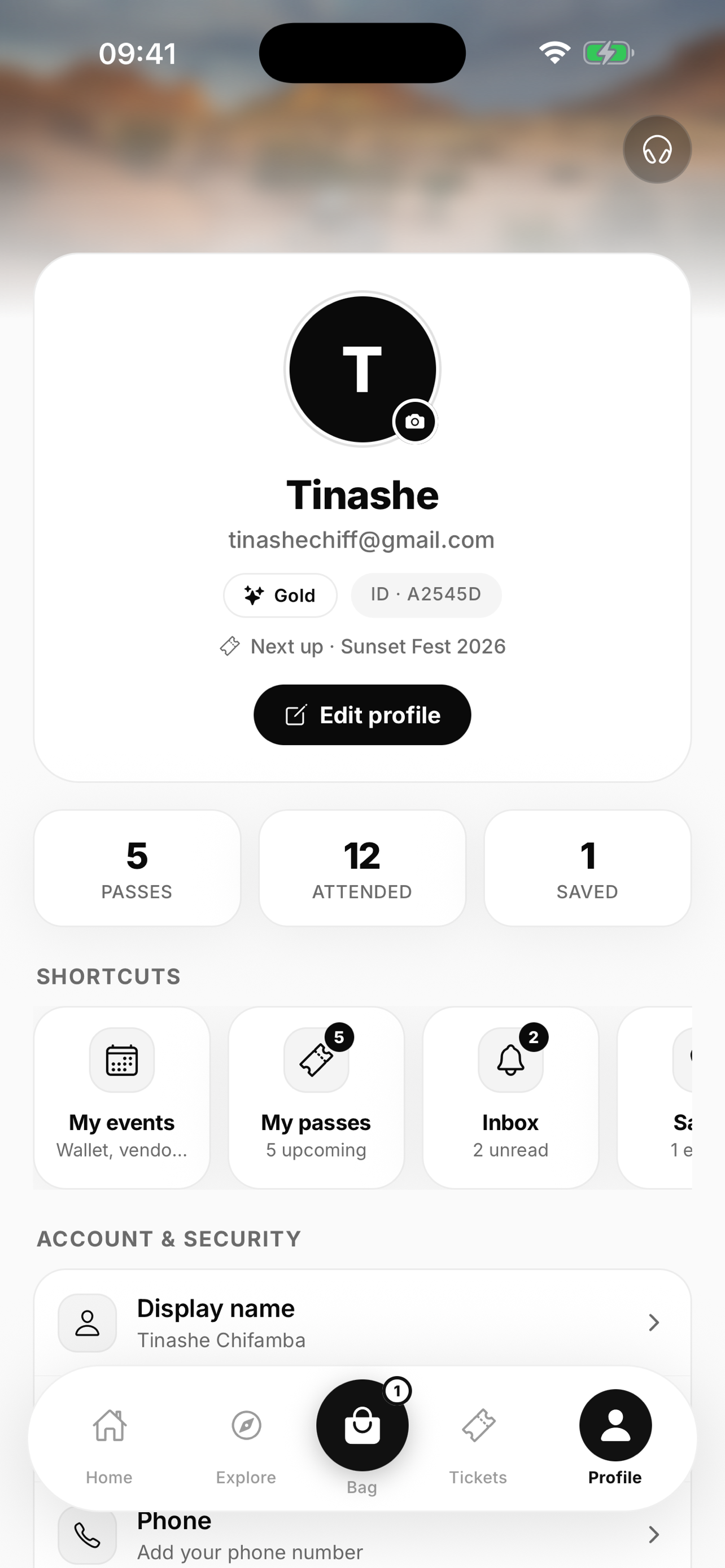
Why this exists
Groove grew into several client apps on one API. New people (and tired ones) need a single place that answers “what is this?”, “who uses which app?”, and “what happens when a fan pays?” without hunting six READMEs.
How to use it
Skim the platform map first. Dive into a surface when you own work there. Use the journeys when you are debugging money, wallets, or entry. Keep runbooks linked at the end for deploy steps; this handbook stays conceptual.
Owner for accuracy: engineering + product. If a flow in production changes, update the matching journey section in the same PR when you can.
What Groove is
Groove is an event operating system for Namibia. Fans find events, buy tickets or tables, carry a digital pass, and spend on an event wallet (phone or wristband). Organisers publish events, invite merchants, run cashless and access. Groove staff support the platform from the same organiser product under an admin shell.
Money moves through two rails fans already trust locally: MTC Maris (OTP) for tickets and cashless, and PayGate PayHost for card (including 3‑D Secure). Push and email keep people in the loop; Apple Wallet is available where signing is configured.
For the event
Discover, buy, show a QR, top up, tap or scan at the bar, leave with receipts in the app.
For the people running it
Publish inventory, approve stalls, open desk and gate tools, see finance and campaign surfaces when your role allows.
People and roles
Access is role based on the shared API. The same person can hold more than one role over time (for example a customer who later becomes an organiser).
| Role | Primary tools | Notes |
|---|
| Customer (fan) | Mobile app, fan website | Tickets, wallets, wearables, profile |
| Organiser | Organiser portal | Events, merchants, cashless, access; team roles further limit menus |
| Merchant | POS terminal, activation links | POS charge, tabs, sessions |
| Cashless operator | POS terminal (ops / desk) | Link bands, top up, balance under a desk session |
| Admin | Organiser portal → Admin | Tiers: analyst, support, admin, super_admin |
Organiser team roles
Inside an organiser account, roster members map to capabilities: admin (full), operations, finance (payouts + analytics), viewer (analytics). The portal hides nav items the capability set does not allow.
Fan mobile app
The primary consumer product. Bundle id com.groove.customer, URL scheme groove://. Production builds pin the live API and groove.com.na/app for share links.
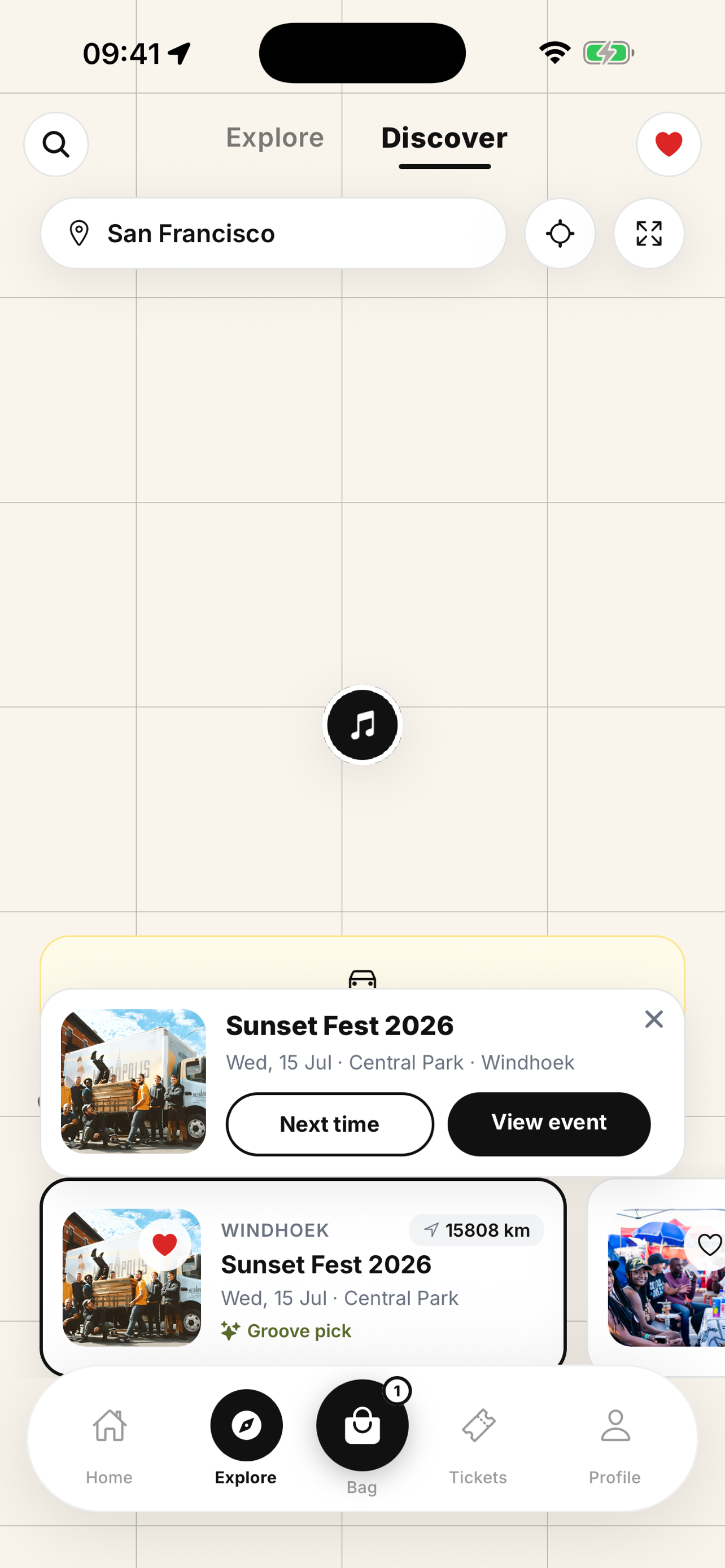
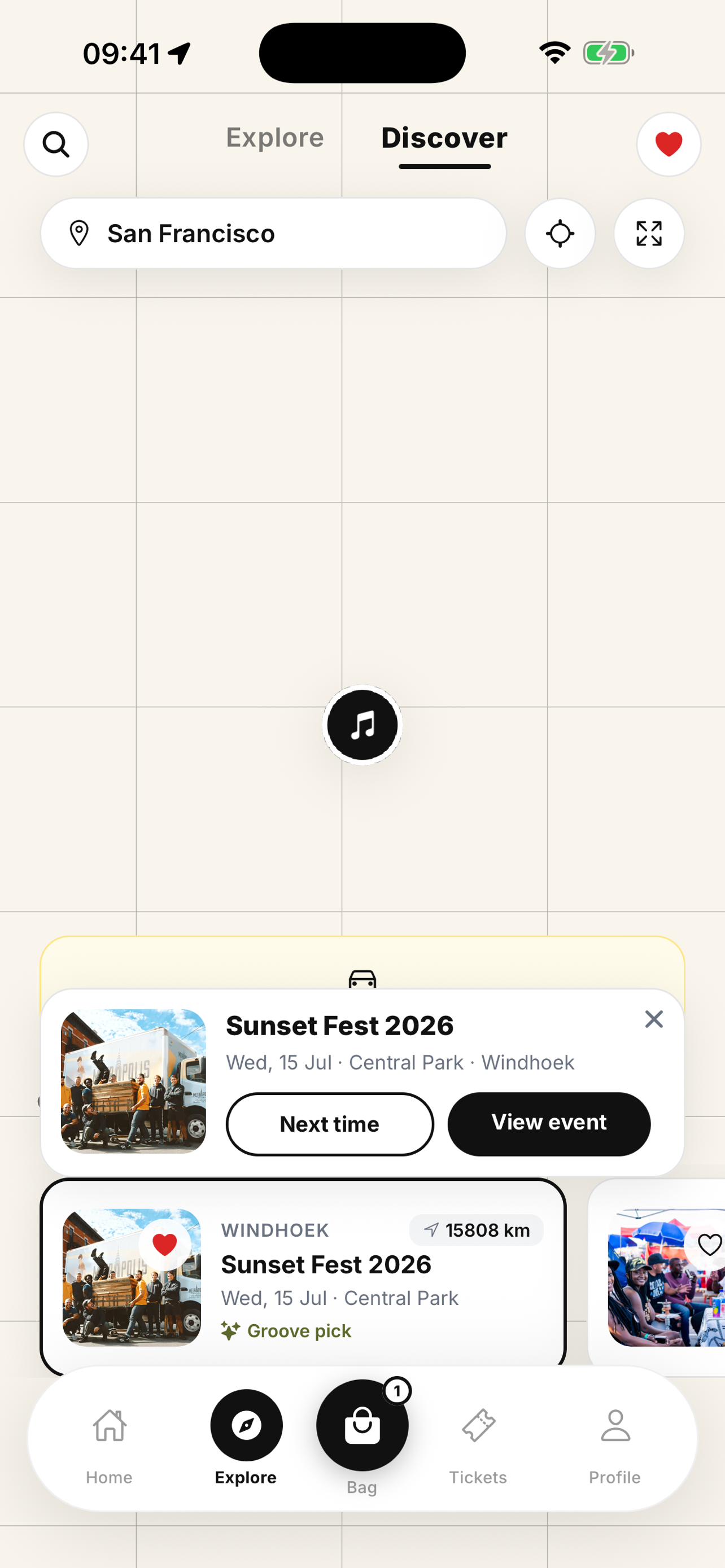
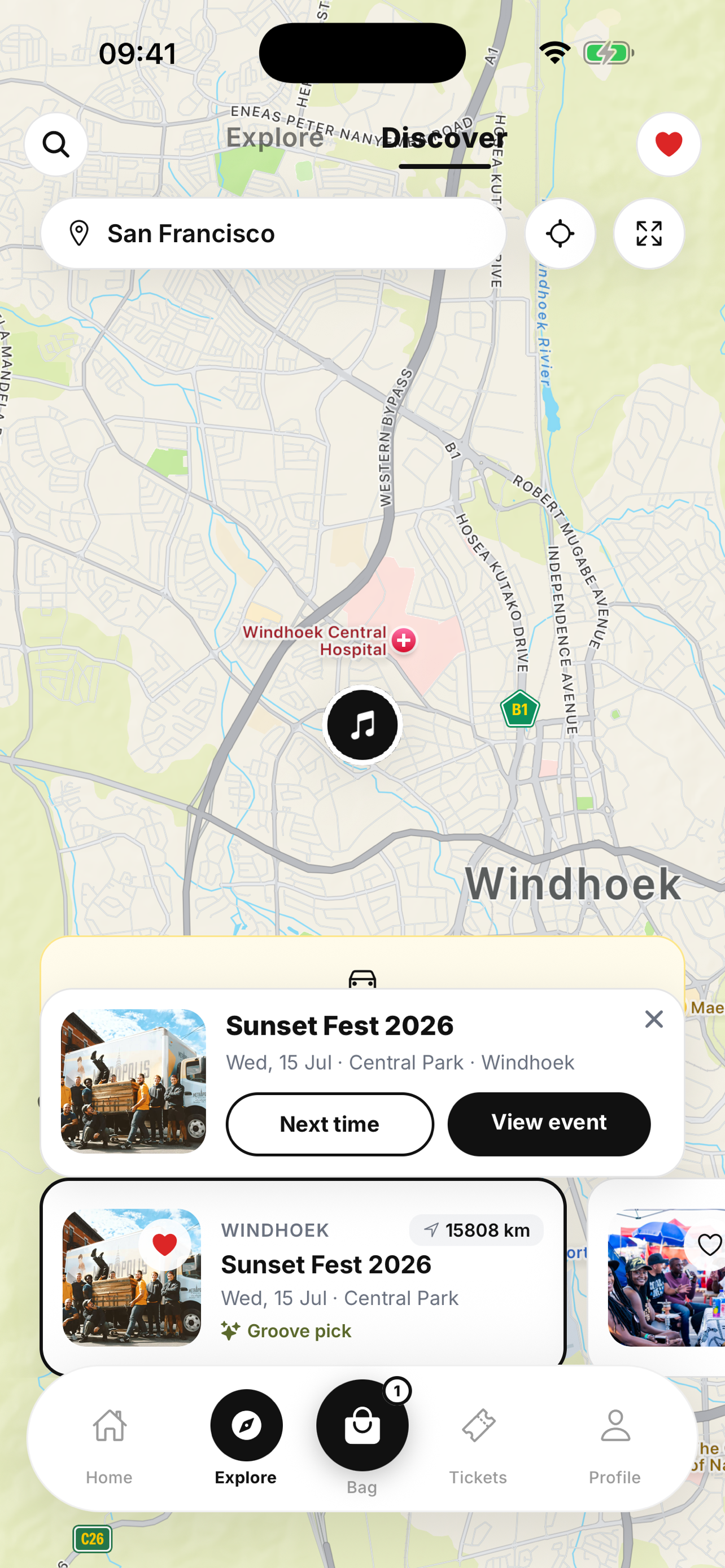
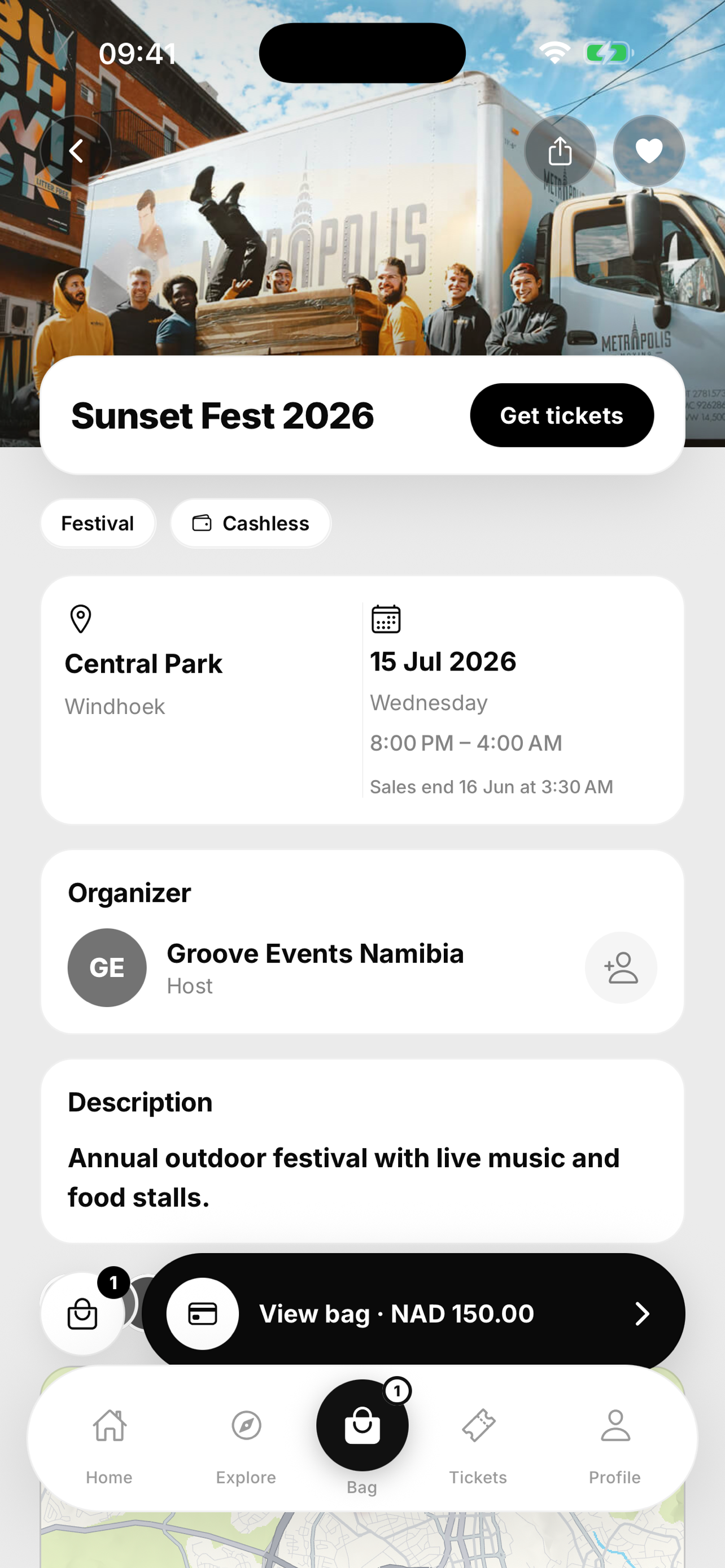
Fans discover events, buy tickets or tables, open passes (including Apple Wallet when enabled), manage event wallets, link wearables, and pay vendors. Auth covers email verification, Google, and Sign in with Apple.
What you will recognise on device
Fan website
Marketing and purchase on the open web at groove.com.na. Same catalogue ideas as mobile: discover, event pages, cart, checkout, account tickets. The /app path is the bridge for claims, transfers, and “open in app” behaviour.
UAT lives on Firebase project groove-5afa9. Production uses groove-prd. Promotion is the same git commit to a different Firebase project (tag or gated workflow), not a separate production branch.
Organiser portal
Where events get built and the floor gets prepared. Production host: organiser.groove.com.na.
Organisers (and invited team members) work under /dashboard: home, events and the event editor, merchants, analytics, reports, cashless settings, wearable desk, access control, resources, settings. Public marketing and onboarding pages (signup, pricing, activation, merchant apply) share the same Next app.
Payment methods per event
Events can restrict checkout to selected payment option slugs. Empty means “inherit whatever admin has enabled for mobile or web.” That is how a festival can offer Maris only while another event also takes cards.
Admin (inside the organiser portal)
Platform administration is not a separate product. It is /admin in the organiser Next app, with its own shell and tier gates. Support and leadership use it for organiser applications, customers, assisted sales, ads, notification campaigns, payment catalogue, diagnostics, finance views, and admin invites.
Effective power follows admin tier (analyst → support → admin → super_admin). Some writes, like inviting other admins, stay at the top of that ladder.
POS terminal
One floor app on the POS terminal. Role at sign-in chooses the home screen:
- Merchant: Command deck, Smart POS, tabs, and checkout queue.
- Desk host: link wearables, balance checks, and top ups.
- Gate: ticket scan against the event’s access rules.
NFC on the device matters when guests pay or enter with a wristband. Merchants should use the merchant handbook for day-of steps.
Gate terminal
A lighter Next.js PWA aimed at entrance staff who mainly need camera based QR scanning. It talks to the same event access and scan APIs. Organisers still configure zones, gates, devices, and rules in the portal before a scan means anything useful.
API and integrations
Express service under Groove/api. JSON responses use a common envelope (status, success, data, message, requestId). Auth is JWT access + refresh. Postman collections under Groove/api/postman track the surface area used in QA.
Systems behind the API
| System | Role |
|---|
| MongoDB Atlas | Primary store (database name groove) |
| MTC Maris | OTP payments for tickets and cashless; separate merchant credentials for ticket vs cashless where configured |
| PayGate PayHost | Card payments and 3‑D Secure bridge / notify / return |
| SMTP | Transactional mail (activation, tickets, invites) |
| Expo push | Device notifications for fans |
| Apple Wallet | Optional signed passes when certs are mounted |
| GCS uploads | Covers, logos, docs via Cloud Run volume |
Production discipline
Deploying production API means swapping the container image while keeping the serving revision’s env and secrets. Do not clone UAT config onto groove-api-prd. Prod Maris hosts are live MTC endpoints; prod Mongo is the non‑UAT URI secret. See the production env safety rule in the repo.
Journey: buying tickets
Happy path for a signed in fan on mobile or web.
1
Build a cart
Ticket tiers and/or tables for one or more events. Inventory and phase pricing come from the event document.
2
Preview
POST /api/checkout/preview returns priced lines. Payment slug must be allowed for those events.
3
Open a session
POST /api/checkout/sessions locks the attempt with a chosen paymentOptionSlug (and Maris phone when needed).
4
Pay
Maris: OTP send, then verify. Card: PayGate; if 3‑D Secure is required the client opens the bridge and polls status until fulfilment.
5
Fulfil
Purchases appear under My tickets. Push and email fire when configured. Apple Wallet can be added from the ticket screen.
Assisted sales follow a parallel path: an admin creates a tokenised checkout; the guest pays on the organiser domain under /pay/assist/….
Journey: cashless and wearables
When an event is cashless enabled, each fan gets an event scoped wallet. Balance is in minor units. A public display code and optional NFC wearable point at that wallet.
1
Ensure wallet
App or desk creates/fetches the fan’s wallet for the event.
2
Top up
Maris OTP or card top up session credits the ledger. Cashless Maris credentials can differ from ticket Maris.
3
Link a band (optional)
Fan app, support desk, or merchant terminal ops mode attaches a wearable UID.
4
Spend
Merchant charge against display code, wallet id, or wearable. Optional wearable authorisation asks the fan to confirm on phone.
5
After the event
Withdrawal flows can return remaining balance to a Maris phone when policy and timing allow.
Journey: merchant onboarding
1
Apply
Public application via the event’s merchant invite link.
2
Review
Organiser or admin decides: approve, reject, request documents, or resend payment. Actions use an action field (not a free status write).
3
Documents / fee
Tokenised upload and pay links. Stall fee via Maris or card when required.
4
Activate
Activation token creates the user and merchant profile so terminal login works.
Admins can also invite merchants directly onto an upcoming event from the admin merchant invite tools.
Journey: organiser onboarding
1
Apply
Public organiser application (contact, organisation, pitch, capacity band).
2
Admin decision
Approve or decline with notes and risk level. Approval mints an activation link (email).
3
Activate
Organiser sets password on the portal activate route; user + organiser records link up.
4
Invite the team
Team invites grant roster roles; new users can complete invite with password, existing users accept while signed in.
Journey: gate entry
1
Configure access
Zones, gates, devices, rules in the organiser portal for that event.
2
Open a scanner
Gate PWA or merchant terminal gate mode, authenticated staff, selected event.
3
Scan
QR payload hits scan API. Rules decide allow, deny, re‑entry, or supervisor override paths.
4
Record
Gate scan log and live stats feed ops during the show.
Environments
One trunk (main). UAT and production differ by project, secrets, and hosts—not by a long lived production branch.
| UAT | Production |
|---|
| Firebase | groove-5afa9 | groove-prd |
| API Cloud Run | groove-api | groove-api-prd |
| API URL | Cloud Run *.run.app host | https://api.groove.com.na |
| Fan web | hosted.app URL | https://groove.com.na |
| Organisers | hosted.app URL | https://organiser.groove.com.na |
| Maris | uat-api / uat-km hosts | api-gw.mtc.com.na / km.mtc.com.na |
Mobile production profile in EAS sets live API and site URLs explicitly. Local mobile can infer the LAN API from Metro when the env var is unset.
Security notes worth remembering
- Passwords use Argon2. Refresh tokens are rotated on use.
- Admin and organiser capabilities are enforced server side; hiding a menu is not the control.
- Public event ids that are not meant to be found return 404 style responses to reduce fishing.
- PayGate notify and return endpoints must stay reachable on the public API host.
- Screenshot and screenshot-mode flags are for store assets only; never ship them in production profiles.
- Secrets for production SMTP and Maris are the groove-api-prd-* family, not the shared UAT SMTP names.
Glossary
| Term | Meaning |
|---|
| Phase | Priced window on a ticket type (early bird, door, etc.) |
| Table | VIP / bottle style product sold beside tickets |
| Event wallet | Per fan, per event cashless balance |
| Wearable | NFC band or card linked to a wallet |
| POS session | Merchant checkout attempt fans can settle by QR / wallet / Maris / card |
| Desk session | Authenticated ops shift for link / top up / balance |
| Payment slug | Stable id of a payment method in the catalogue (for example maris) |
| Assisted checkout | Staff created payment link for a fan who is not self serving |